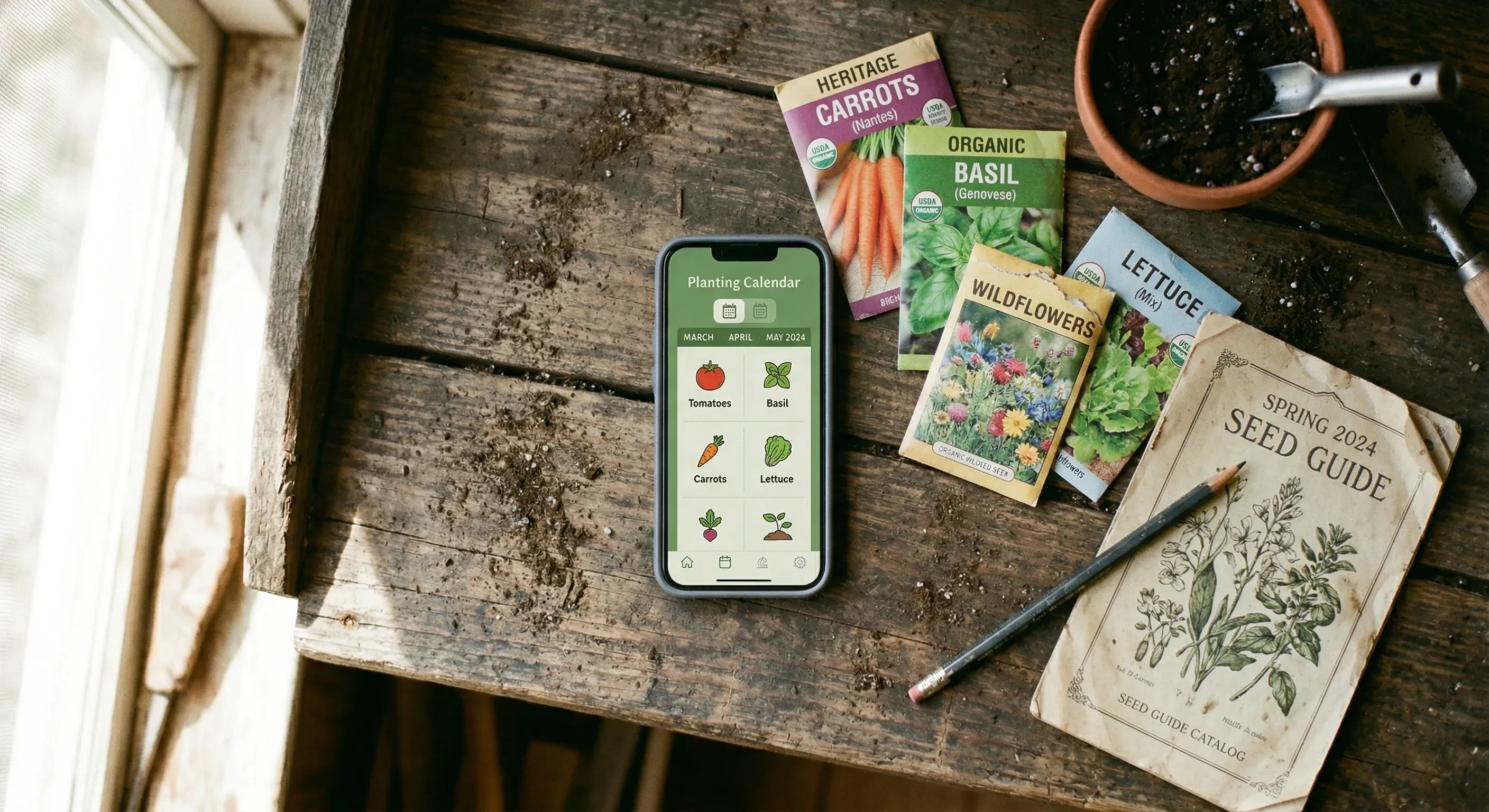
The seed packet says “sow March to May.” That is a twelve-week window. In my garden, the difference between early March and late April is the difference between a frost-killed seedling and a healthy transplant. Seed packets are not wrong, exactly. They are just not specific enough.
I spent years trying to narrow that window. I checked frost date websites, cross-referenced with soil thermometer readings, and kept a spreadsheet that grew more complicated each season. Eventually I started looking for an app that could do the maths for me. I tried all of them. Some were genuinely helpful. Some gave me dates that were no better than the seed packet. One told me to transplant tomatoes outdoors in February, which would have been a disaster.
Here is what I found after testing every planting calendar app I could get my hands on. I am focusing specifically on scheduling — when to sow, when to transplant, when to expect harvests. If you want a broader comparison that covers layout tools, journaling, and general garden planning, I wrote a separate guide to garden planning apps.
What makes a good planting calendar
Before comparing apps, it helps to understand what separates a useful planting calendar from a generic one.
Location precision. The most basic calendars use your USDA hardiness zone. That groups you with millions of other gardeners across a huge geographic area. Better calendars use your frost dates. The best ones factor in growing degree days, day length, and soil temperature patterns for your specific location.
Setup awareness. Whether you start seeds under grow lights, use a heated propagator, grow in raised beds versus in-ground, or garden in containers changes your sowing dates by weeks. Most apps ignore this entirely.
Crop-specific intelligence. Tomatoes and lettuce have completely different temperature requirements. A good calendar does not just shift everything by the same offset. It calculates each crop individually based on what that crop actually needs to germinate and grow.
Ongoing adjustments. The best planting calendars are not static. They account for your actual growing season as it unfolds, not just a fixed date calculated in January.
Leaftide — climate-aware scheduling that adjusts to your setup
I built Leaftide, so take this with appropriate scepticism. But the scheduling engine is the reason I built it, and it is the feature I am most confident comparing honestly.
Leaftide calculates sowing dates using your location’s frost risk data, growing degree days, day length, and soil temperature signals. It does not use USDA zones. When you tell it you are starting seeds under grow lights versus direct sowing outdoors, the dates shift — sometimes by three or four weeks — with a short explanation of why.
The calendar is not a static chart. It recalculates based on your setup: grow lights, heated propagator, raised beds, containers, greenhouse. Change a variable and watch the dates move. I find this genuinely useful because it answers the question I always had: “what if I start these indoors instead?”
Beyond seasonal crops, Leaftide also tracks permanent plants — fruit trees, berry bushes, perennial herbs — with year-over-year timelines. The app learns from your logged observations to predict when your specific apple tree will flower or when your fig will fruit, based on your actual history rather than generic data.
Calendar strengths:
- Dates calculated from frost risk, growing degree days, day length, and soil temperature
- Adjusts for your growing setup (grow lights, propagator, containers, raised beds)
- Explains why dates are where they are
- Permanent plant timelines built from your own observation history
- Works internationally — not tied to USDA zones
Calendar limitations:
- Newer app, smaller plant database than established competitors
- The precision is only as good as the climate data for your area — rural locations with sparse weather stations may see less accuracy
- No crop rotation tracking yet
Price: Free tier (30 plants, 10 pots, all core features). Pro at £5/month or £45/year. Lifetime at £99 (no subscription).
Try before signing up: The free Crop Timeline Calculator gives you a simplified preview of how frost dates and growing setup affect sowing windows. It is not the full scheduling engine, but it shows the principle: change your setup, watch the dates move.
See how your sowing dates change when you change your setup.
Free for up to 30 plants. No card needed.
Seedtime — focused planting calendar with educational content
Seedtime does one thing and does it clearly: it tells you when to start seeds.
You enter your location, select your crops, and Seedtime generates a planting calendar showing when to start seeds indoors, when to direct sow, and when to transplant. The dates are based on your frost dates, which is more precise than zone-based systems but less granular than climate-aware approaches.
What sets Seedtime apart is the educational layer. Video masterclass lessons walk you through each phase of seed starting. If you are newer to gardening and want to understand the “why” behind the dates, not just the dates themselves, this is valuable. The Sprout Bot AI assistant answers gardening questions within the app.
Calendar strengths:
- Clear, focused planting calendar
- Frost-date-based scheduling (better than zone-based)
- Educational video content explaining each growing phase
- Task tracking synced with the calendar
- Free tier includes the planting calendar
Calendar limitations:
- No setup awareness — does not adjust for grow lights, containers, or propagators
- Dates are frost-date-based, not climate-aware (no growing degree days or soil temperature)
- US-focused — limited international support
- No permanent plant scheduling
Price: Free (calendar), paid tiers for full features.
GrowVeg — zone-based calendar tied to a powerful layout tool
GrowVeg is primarily a garden layout tool, but it includes a planting calendar that many gardeners rely on.
The calendar adjusts sowing dates to your location, though in my experience the dates are based on broad climate zones rather than precise local data. For most annual vegetables, this is close enough. You will not be off by more than a couple of weeks in most cases.
Where GrowVeg’s calendar shines is the integration with the layout tool. When you place a tomato in a bed, the calendar automatically shows when to sow and transplant that specific plant. The companion planting warnings and crop rotation tracking add context that pure calendar apps lack.
Calendar strengths:
- Calendar integrated with visual bed layout
- Adjusts to your location (zone-based)
- Huge plant database with detailed growing information
- Crop rotation tracking remembers what you grew where
- Companion planting built into the calendar view
Calendar limitations:
- Zone-based dates, not climate-aware
- No setup adjustments (grow lights, containers, etc.)
- No permanent plant scheduling
- The calendar is secondary to the layout tool — if you only want scheduling, you are paying for features you may not use
- Mobile experience is not great
Price: 7-day free trial, then $35/year (auto-renew) or $50/year.
Old Farmer’s Almanac — free online planting calendar
The Almanac’s online planting calendar is free and requires no account. Enter your postcode or city, and it generates a month-by-month calendar showing when to start seeds indoors, transplant, and direct sow for common vegetables and herbs.
It is simple, fast, and backed by the Almanac’s decades of gardening data. The dates are frost-date-based and reasonably accurate for US locations. The Almanac also publishes frost date lookup tools and growing guides that complement the calendar.
The paid Garden Planner app (which shares its engine with GrowVeg) adds a layout tool and more detailed scheduling, but the free online calendar is what most people use.
Calendar strengths:
- Free, no account required
- Trusted brand with deep gardening knowledge
- Frost-date-based scheduling for US locations
- Simple and fast — no learning curve
- Integrated with Almanac frost date and growing guides
Calendar limitations:
- US-focused — limited use outside North America
- No setup awareness
- Static calendar — does not adjust for your specific growing conditions
- No app — it is a website, not a mobile tool
- No permanent plant scheduling
Price: Free (online calendar). Paid Garden Planner at approximately $50/year.
Planter — basic calendar with excellent companion planting
Planter includes a growing calendar that tells you when to start seeds and when to transplant based on your frost dates. It is straightforward and easy to read.
The calendar is not Planter’s main strength — the companion planting display and the intuitive grid layout are. But if you want a simple, visual calendar alongside a clean garden layout tool, Planter delivers that without overwhelming you.
Calendar strengths:
- Simple, clear growing calendar
- Frost-date-based scheduling
- Excellent companion planting display alongside the calendar
- Works well on mobile
- Seed box tracks what seeds you have on hand
Calendar limitations:
- Basic frost-date scheduling only
- No setup adjustments
- Limited plant database compared to GrowVeg
- No permanent plant scheduling
- Calendar is secondary to the layout and companion planting features
Price: Free (1 garden), $24.99/year premium, $99.99 lifetime.
What to look for in a planting calendar app
If none of these fit perfectly, here is a checklist for evaluating any planting calendar app.
Does it use your actual location? At minimum, it should use your frost dates, not just your USDA zone. Better apps use growing degree days and local climate data.
Does it adjust for your setup? Starting seeds under grow lights versus direct sowing outdoors can shift dates by weeks. If the app does not ask how you are growing, it is giving you generic dates.
Does it cover your crops? Check that the app includes the specific vegetables, herbs, and fruits you grow. A large database matters less than having your actual crops covered.
Does it work where you live? Many apps are US-only or use USDA zones that do not translate to European, Australian, or Southern Hemisphere climates. If you garden outside the US, verify international support before paying.
Does it handle permanent plants? If you grow fruit trees, berry bushes, or perennial herbs, check whether the app can schedule and track them. Most cannot.
Can you try it free? Most planting calendar apps offer some form of free access. Use it for a full season before committing to a subscription.
Quick comparison
| Feature | Leaftide | Seedtime | GrowVeg | Almanac | Planter |
|---|---|---|---|---|---|
| Scheduling method | Climate-aware (GDD, frost risk, soil temp) | Frost-date | Zone-based | Frost-date | Frost-date |
| Setup adjustments | Yes (grow lights, propagator, containers) | No | No | No | No |
| Permanent plants | Yes (with learned timelines) | No | No | No | No |
| International | Yes | Limited | Yes (UK/AU versions) | US-focused | US-focused |
| Free tier | 30 plants + 10 pots | Calendar | 7-day trial | Free online | 1 garden |
| Layout tool | Plot designer | No | Excellent | Paid add-on | Grid layout |
| Mobile | Good | Good | Fair | Website only | Excellent |
Related tools
If you are still figuring out your frost dates and growing windows, these free tools can help:
- Crop Timeline Calculator — a simplified tool to explore how frost dates and setup affect your sowing windows
- Chill Hour Validator — check whether your location gets enough chill hours for fruit trees and berries
- Plant Spacing Calculator — calculate how many plants fit in your beds
- Companion Planting Checker — check which plants grow well together
See your personalised planting calendar.
Free for up to 30 plants. No card needed.